


A Practical Guide to AI Photo Restoration
Rescue your family memories before they fade away.
Digitize old photos and documents using archival-quality standards, restore them with AI in minutes, and build a digital family archive that lasts for generations , no technical skills needed.
Designed in accordance with standards for preserving academic heritage, it is now available to every family in a simplified format.
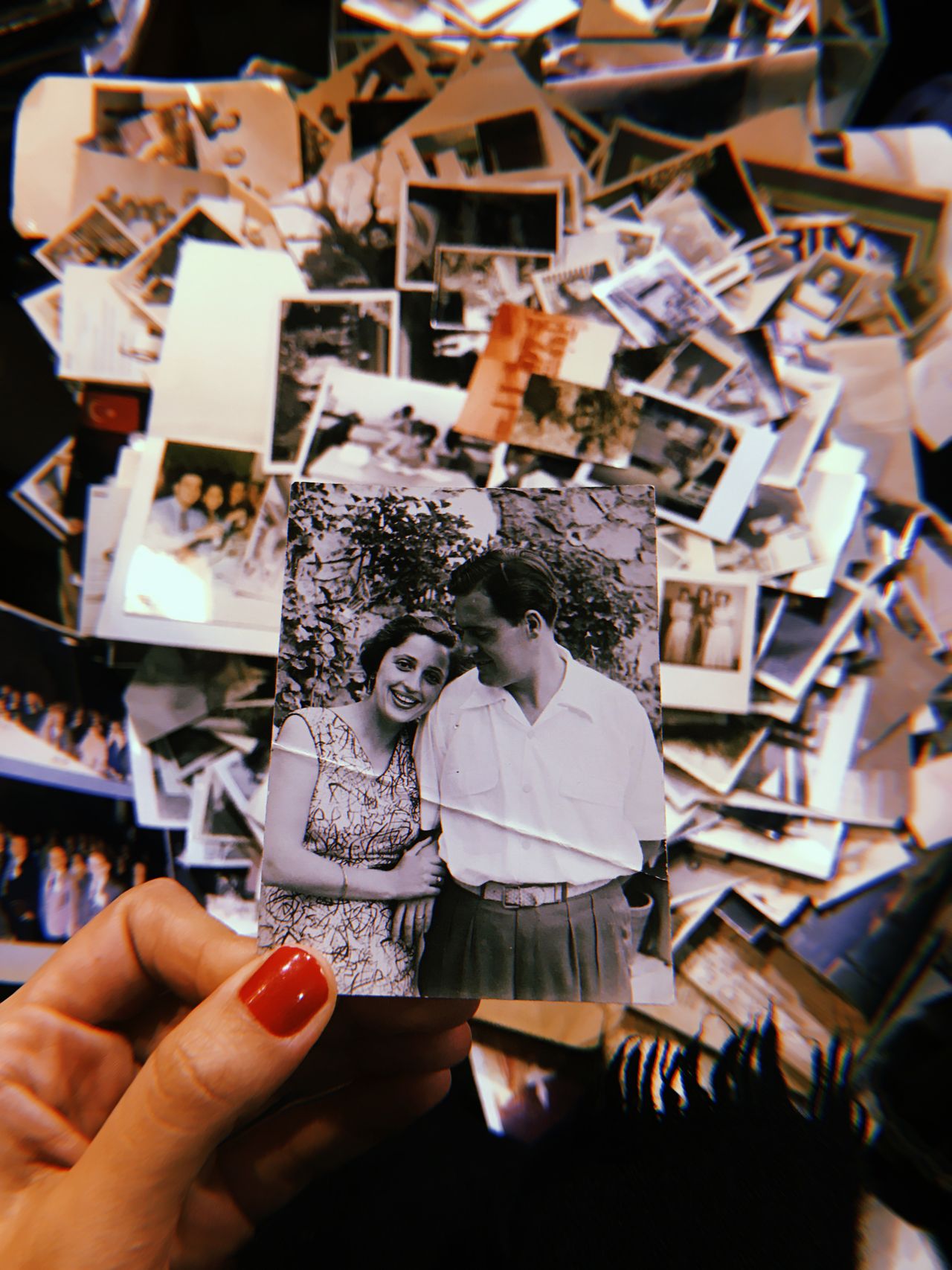
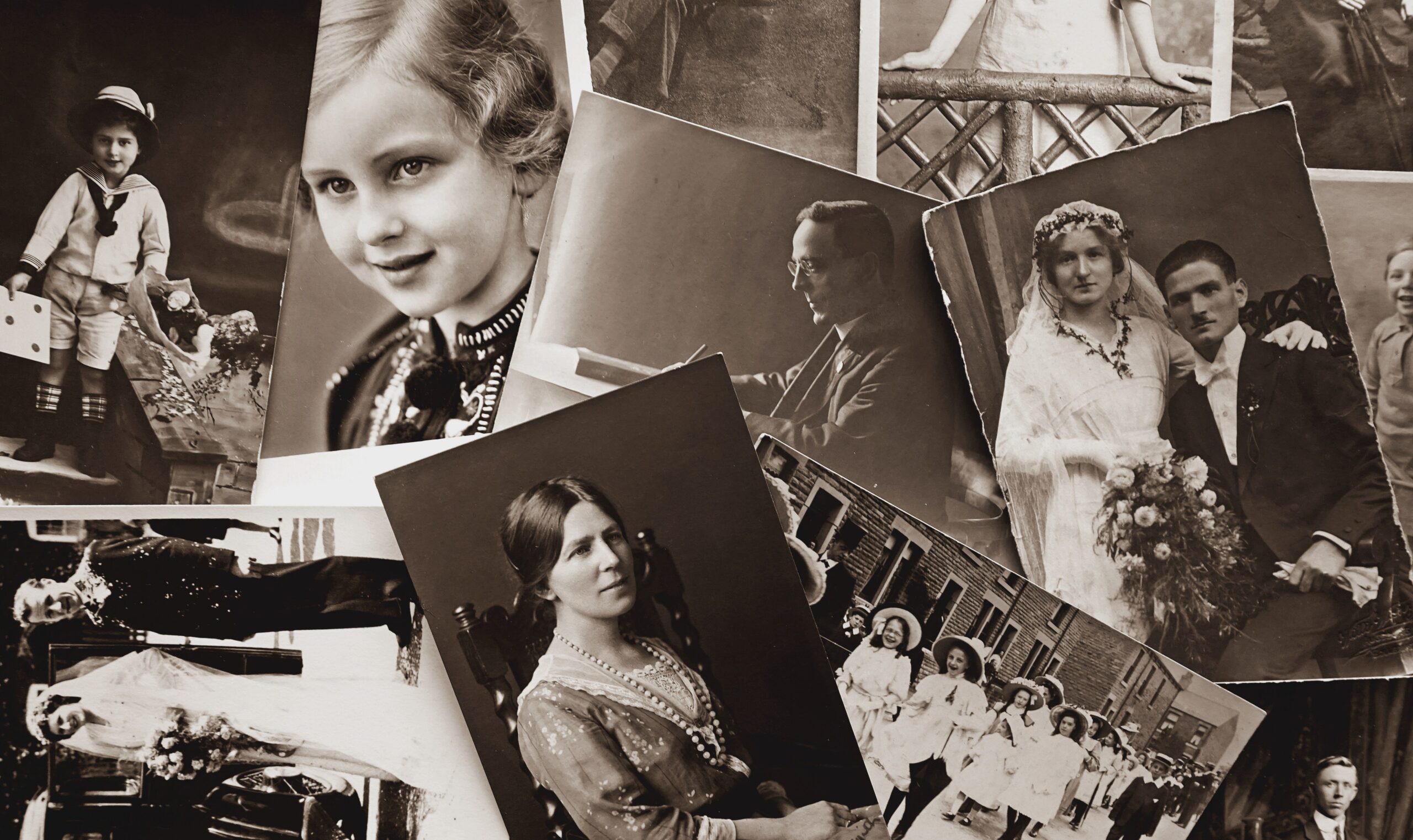
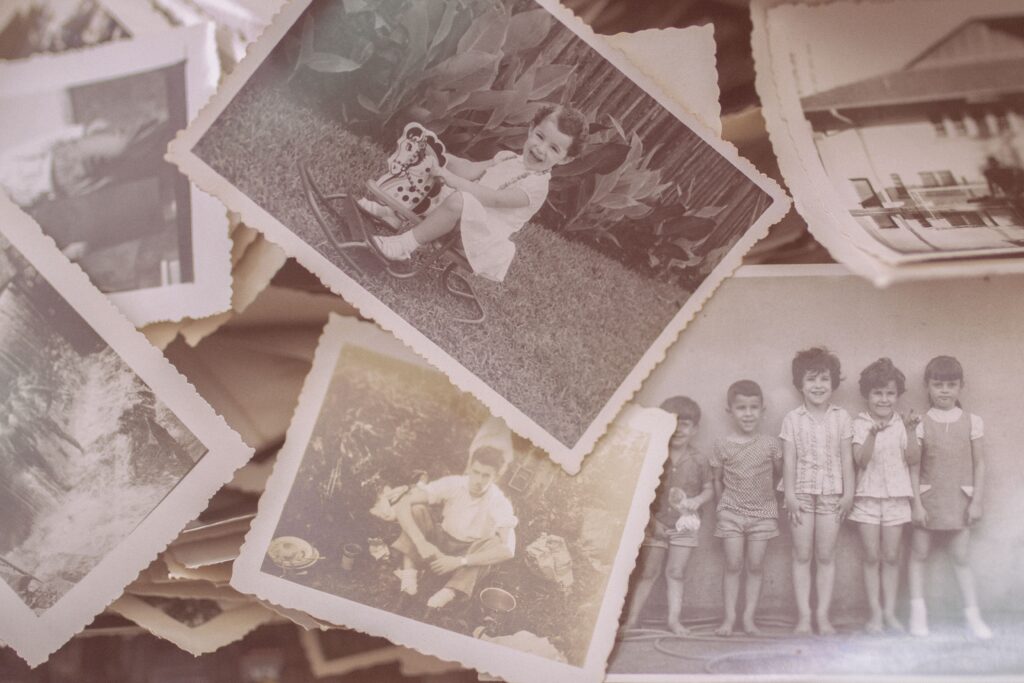

Digitize
Turn stacks of old photos and fragile documents into clean, high-resolution digital files, using the same archival-quality scanning standards trusted by cultural heritage institutions. No special equipment required.
Preserve forever
Build a lasting digital family archive with simple backup strategies that meet preservation standards and keep your history safe for generations.
Restore with AI
Repair scratches, tears, fading, and water damage in minutes. AI-powered tools bring damaged memories back to life, preserving your family’s cultural heritage for future generations.
Featured guides
Step-by-step walkthroughs for every stage of preserving your family history.
-
How to Build a Digital Family Archive That Lasts
A structured approach to organising, storing, and protecting your family’s…
-
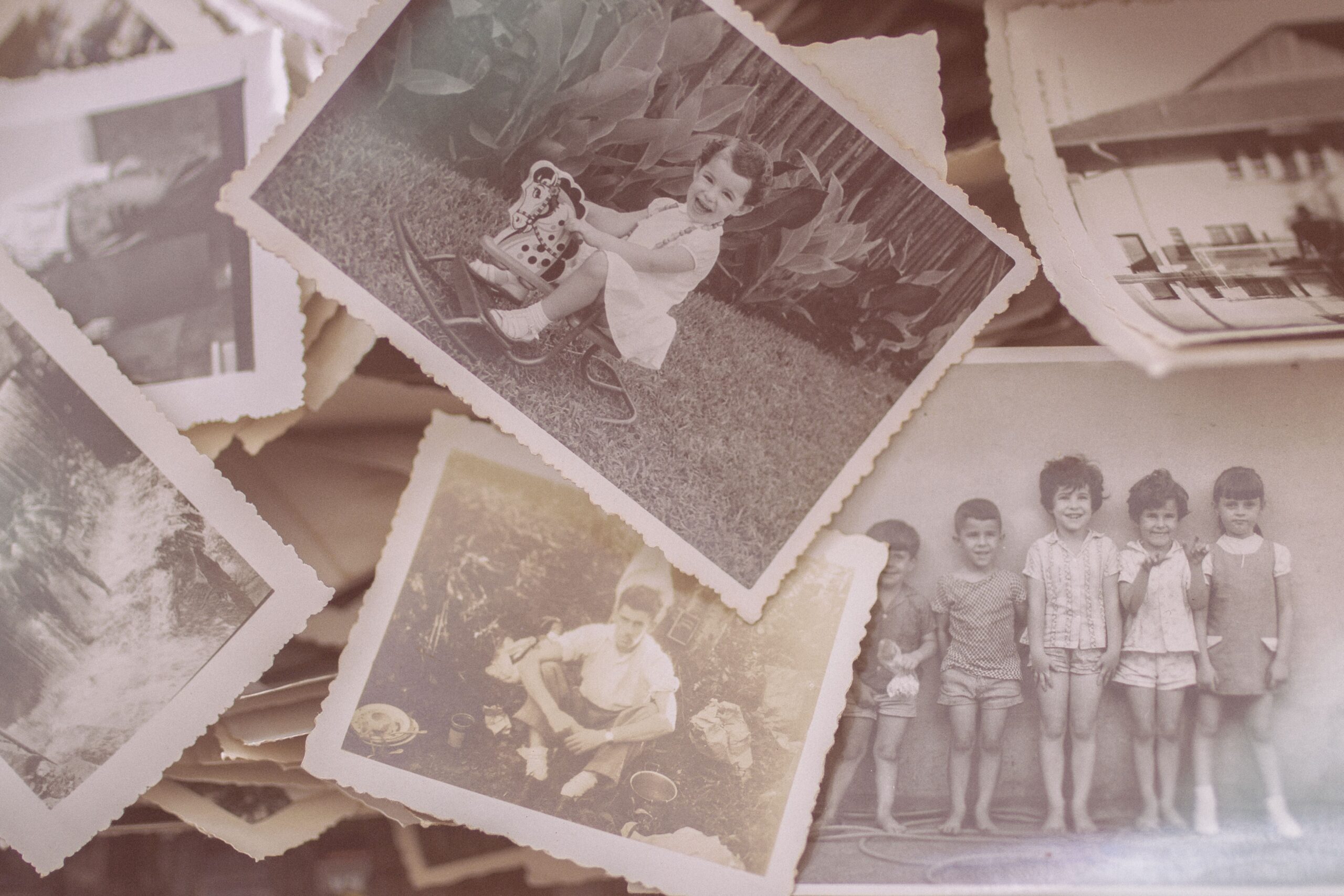
Best AI Photo Restoration Tools (2026): A Practical Comparison
Which tools actually work for old family photos — and…
-
How to Digitise Old Family Photos at Home (The Right Way)
A practical guide based on archival standards — without specialist…
Best AI Photo-Restoration Tools 2026
We compare the top tools so you can choose the right one for your photos.
Affiliate Disclosure: Some of the links below are affiliate links, meaning ADOCHS may earn a commission if you click through and make a purchase, at no additional cost to you. We only recommend tools we believe are genuinely helpful for families. This disclosure is provided in accordance with FTC guidelines (16 CFR, Part 255).
| Tool | Best For | Rating | Price | Try It |
|---|---|---|---|---|
| Remini | Best overall for scratch & tear repair | ★★★★★ 4.8 | Free trial · $9.99/mo | Try Remini |
| MyHeritage | Best for colorizing black-and-white photos | ★★★★½ 4.5 | $9.99/mo | Try MyHeritage |
| Topaz Photo AI | Best for batch processing large albums | ★★★★½ 4.5 | Free · $14.99/mo Pro | Try Topaz |
| Photoshop | Best for restoring faded facial details | ★★★★ 4.2 | Free · credits from $2.99 | Try Photoshop |
| VanceAI | Best for documents and handwritten letters | ★★★★ 4.1 | Free · $7.99/mo | Try VanceAI |
See the difference restoration makes.
See each photo to note between the damaged original and the restored version. (These are placeholder images for demonstration.)
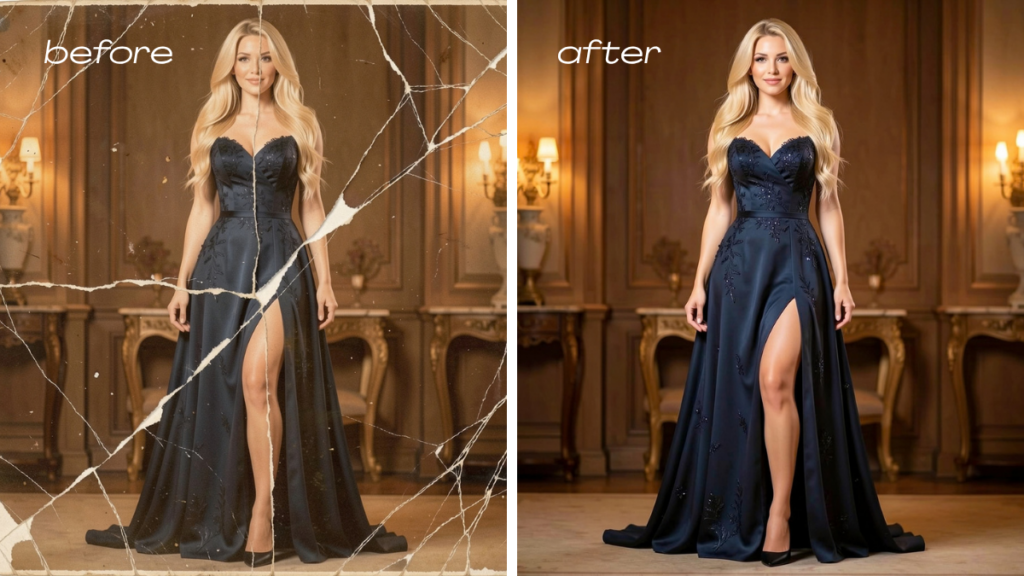
Water-damaged portrait, shown before and after restoration.
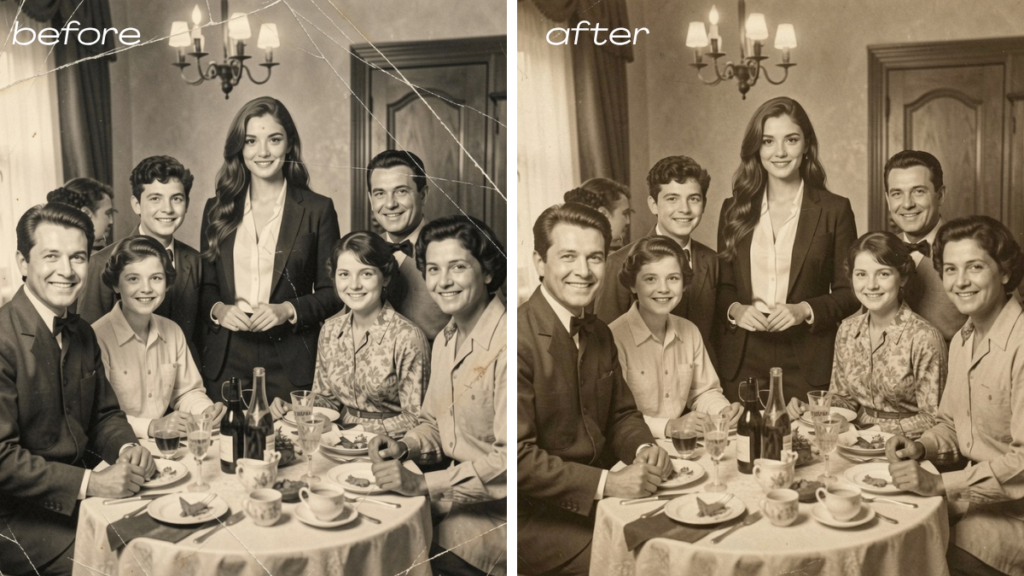
A faded photograph of a family gathering, serving as an illustrative example comparing the pre- and post-restoration states.
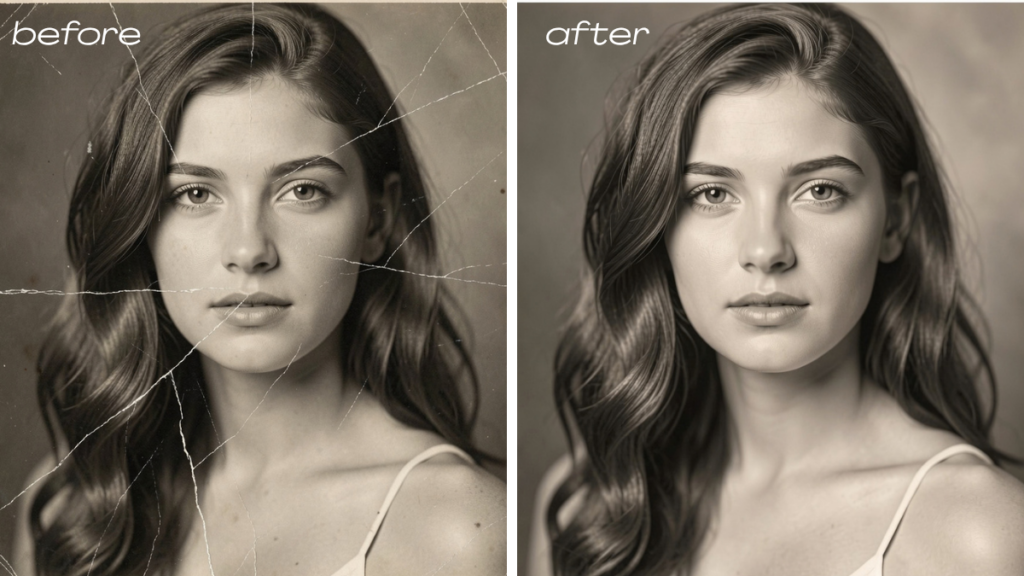
Scratched black-and-white photo,shown before and after restoration.
Families are saving their history.
Real stories from people who turned fading photos into lasting archives.
★★★★★
“I brought my grandmother’s wedding photo back from a water-stained, faded mess, and now it hangs in my living room looking like new.”
Family historian.
★★★★★
“The step-by-step digitizing guide walked me through scanning 300+ old photos over a weekend. I finally feel like our family history is safe.”
Weekend archivist.
★★★★★
“I had no idea AI could repair cracks and tears in old photos. The tool comparison helped me pick the right one on the first try.”
Photo restoration newcomer.
Get our free family-archive checklist
A printable, step-by-step checklist that walks you through digitizing, restoring, and backing up your entire family photo collection — one weekend at a time.
No spam, ever. Unsubscribe anytime. We don’t sell your email.